
A desktop you can play in.
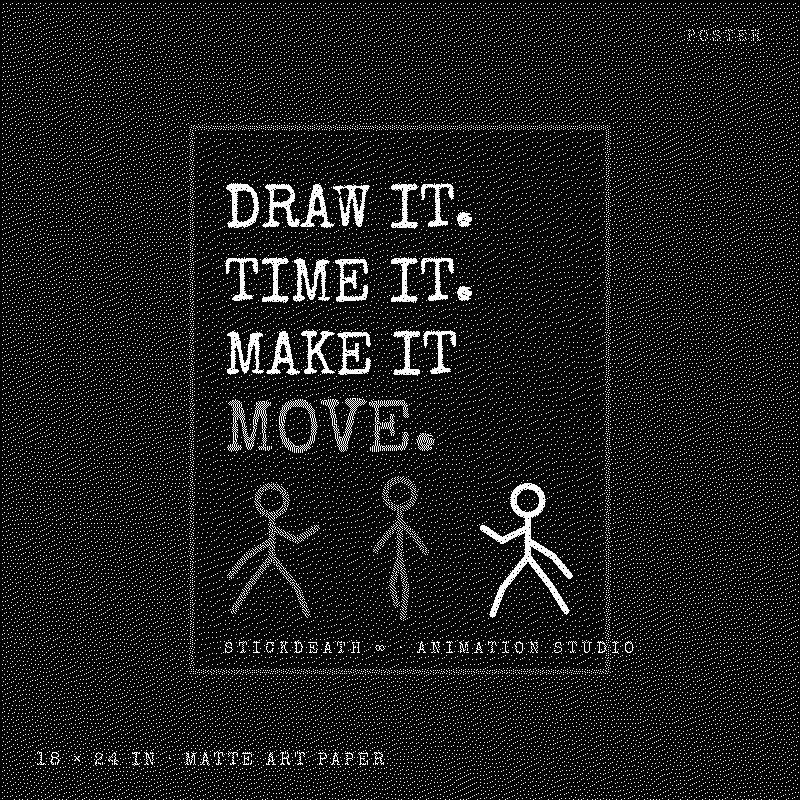
StickDeath Infinity is a frame-by-frame animation studio for iPhone: thirty drawing tools, layers with eighteen blend modes, onion skin, a four-track sound timeline and real MP4, GIF, PNG and spritesheet export, all on your device. Android is a native foundation in development.
Everything on this desktop comes from the real thing: the captures and clips are frames from the app's automated test journeys, the jukebox plays sounds from the app's own licensed library, and the flipbook is a small taste of the loop.
Open windows from the menu bar or the icons and drag them anywhere by their title bar, on a desktop or a phone. The three boxes close, set half size and maximize; the flame saves a window to the dock at the bottom, where one tap brings it back. Double-click a title to zoom, press Escape to close the front window. Nothing here is tracked or stored.
Real captures from the simulator journeys (source 39f29cb). Pick one. All thirty with captions →
Pick a sound. All CC0, straight from the app's library.
Credits are shown per sound; the full catalogue is on the attribution page.
#StickDeath_Infinity on Discord
This is where the community talks. The app has no chat; the conversation lives on the official Discord server.
- Guides and how-tos
- Support and troubleshooting
- Open discussion and show-and-tell
- Release notes and info
Discord is a separate service with its own terms and privacy policy. Nothing on this site talks to Discord until you follow the link.
Keyboard
- Tab / Shift+Tab
- Move between the menu bar, icons, window controls and window content.
- Enter or Space
- Open the focused menu item or icon.
- Arrow keys on a window title
- Nudge the window 10 px (Shift: 40 px).
- Alt+← / Alt+→ on a window title
- Snap the window to the left or right half of the desktop.
- Alt+↑ / Alt+↓ on a window title
- Maximize / restore.
- Escape
- Close the front window, the Desktop menu, or the screensaver.
- Double-click a title bar
- Maximize or restore.
- Drag a window to an edge
- Left or right edge snaps to half; the top edge maximizes.
Pointer and touch drag work on every title bar and desktop icon. Your layout is kept in this browser only and can be cleared with “Reset desktop”.
Privacy choices
This site makes no third-party requests, sets no cookies and loads no trackers. The only things stored are your choices here, your window layout and the splash-screen flag, all in this browser.
Off by default. When on, the desktop counts how many times you open each window and shows the numbers below. Nothing is sent: no analytics endpoint is configured for this site, and the counters are deleted when you turn this off.
Counters are off.
Keeps open windows, their places and the dock between visits in this browser.
Policies in force
- Privacy notice · version 1.0-draft · not yet effective
- Terms · version 1.0-draft · not yet effective
- Publishing permissions · version 1.0-draft · not yet effective
- Attribution · version 2.0
Account data choices (export, delete, consent records) live in Account once a sign-in method is configured.
STICKDEATH ∞0001